
What changed
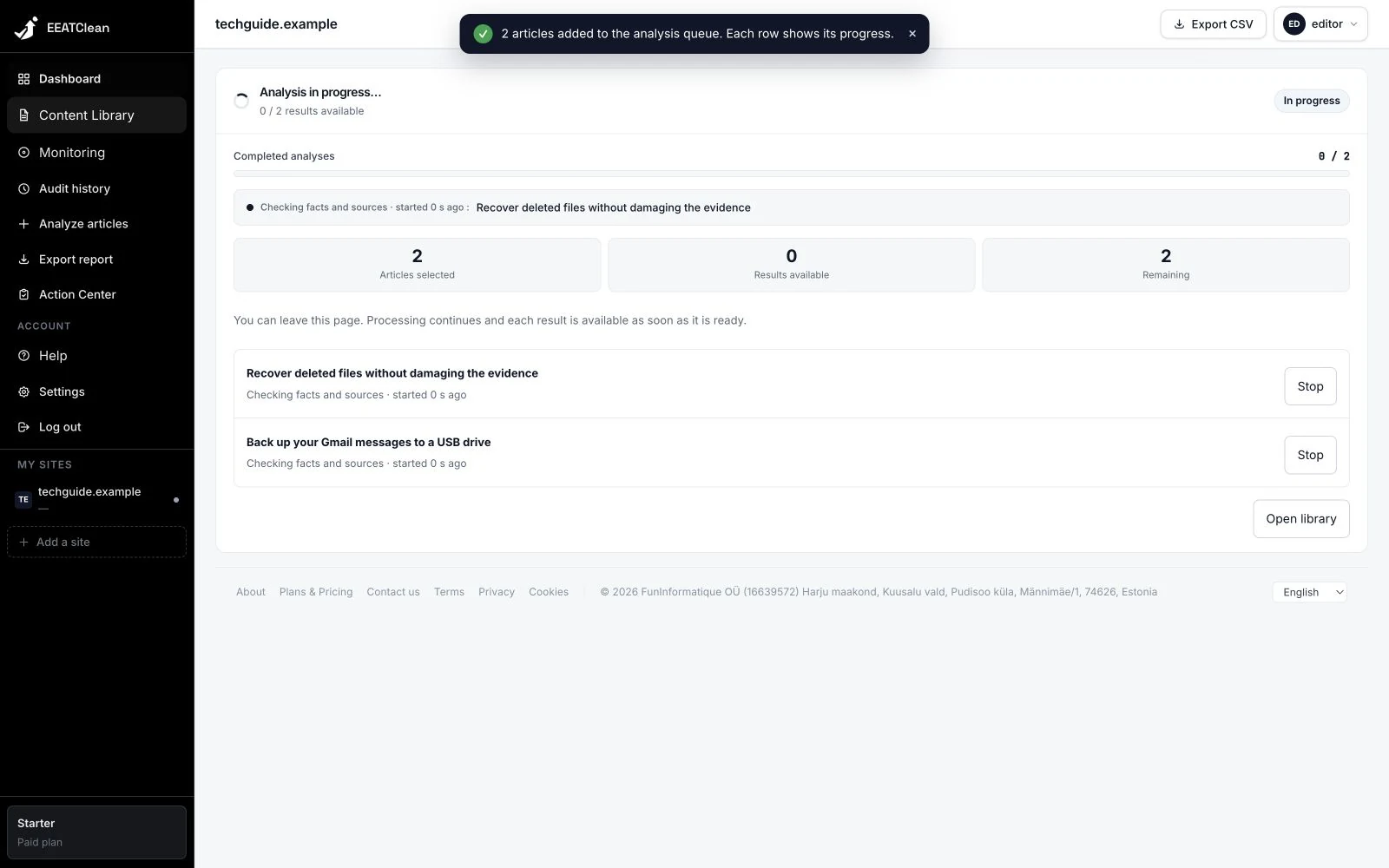
The library and progress panel show the active stages: reading the article, identifying claims, consulting sources, checking, reviewing and writing the report. Available counts and elapsed time are displayed as work progresses.
Why it matters
The waiting screen describes the work underway instead of suggesting a precision it cannot guarantee.
In your workflow
After starting a request, open its progress view. Completed results can be read as they become available.