 EEATClean
← Back to changelog
Clean & track with the “Removed” archive
Mark an article as deleted, redirected or no-indexed. It leaves your to-do list for a dedicated archive, so your table stays clear and your progress reflects the real work.
Once you've acted on an at-risk article, you shouldn't keep seeing it in your to-do list. The Removed control records exactly what you did, and keeps your working table clean.
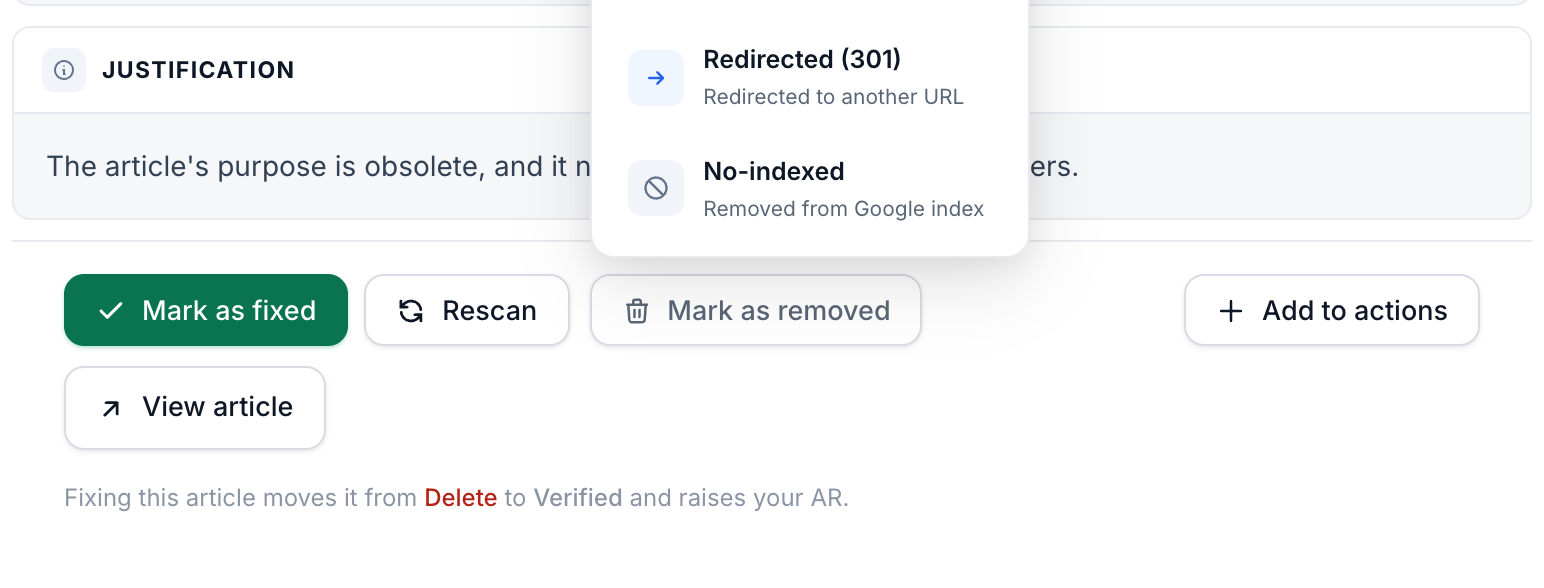
Three ways to remove
- Deleted: removed from your site.
- Redirected (301): the URL now points elsewhere.
- No-indexed: removed from Google's index.
Clearer table, visible progress
Removed articles leave your working list and move into the Removed archive, where they count toward your cleanup progress. Clearing out dead content visibly moves your site forward.
Removed something by mistake? A single Restore brings it back to your to-do list with its original decision intact.
See it on your own site
Run a free audit and get a clear keep / update / remove decision for every article.
Start free audit →