
What changed
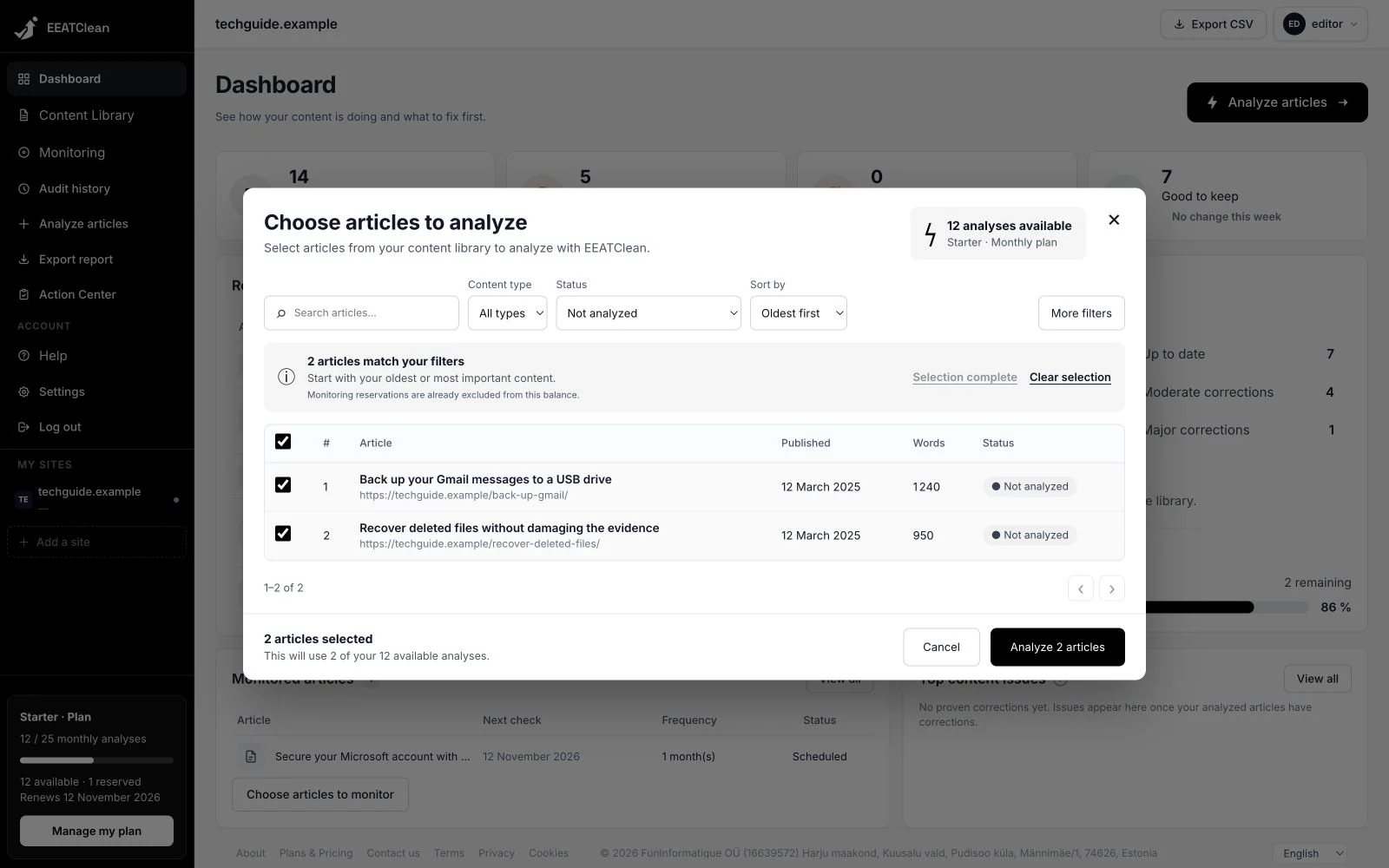
When an analysis cannot start, the workspace reports the reason so you can address the blocking condition before trying again.
Why it matters
Understand what is blocking the analysis and the next step before trying again.
In your workflow
Choose articles in Content Library and start their analysis. If it cannot start, read the displayed explanation and address the reported cause before trying again.