
What changed
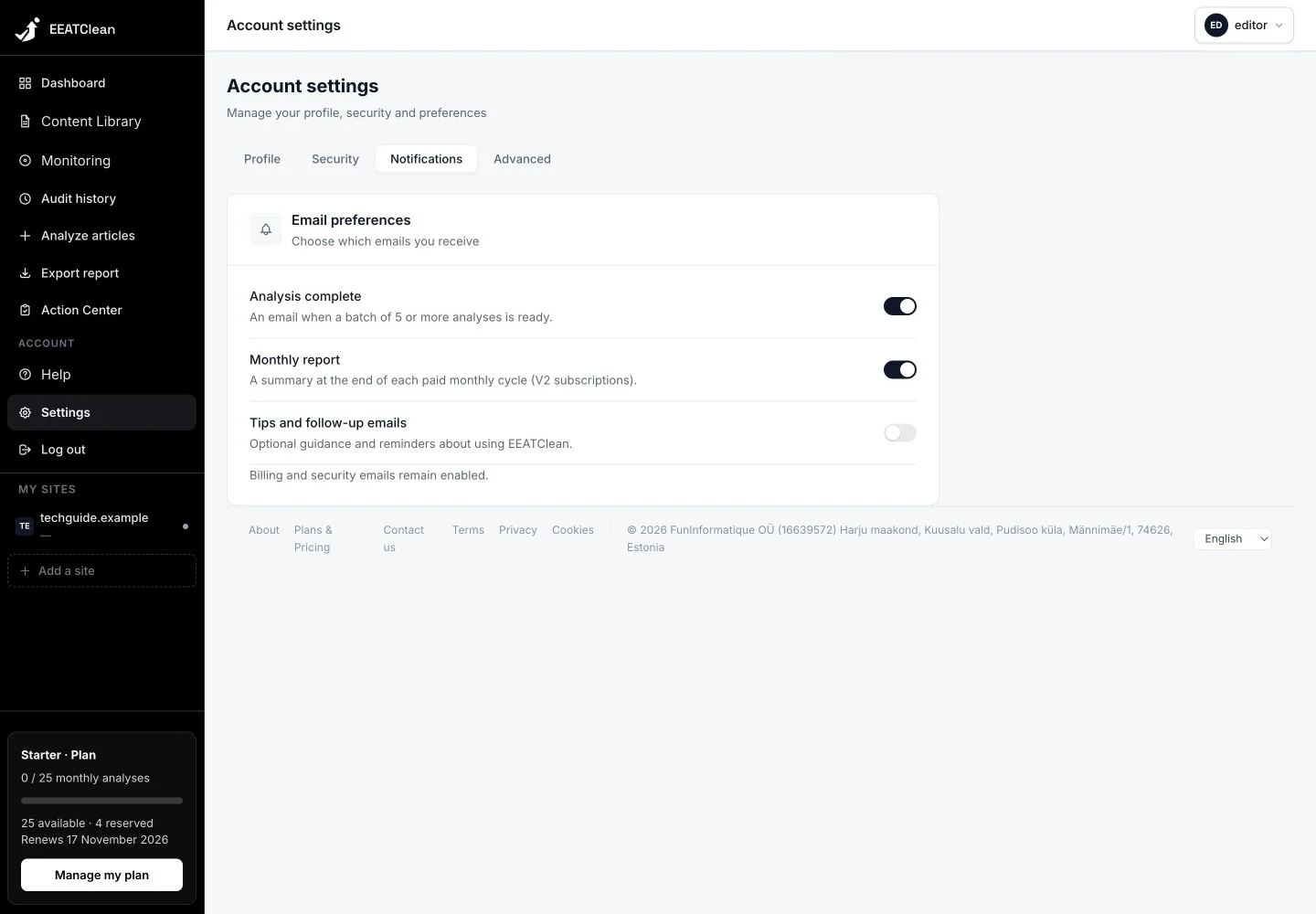
Analysis-completion emails and monthly report preferences are stored on your account and retained after reloading. Delivery checks the saved choice, including for messages already queued. Essential account messages remain separate.
Why it matters
The switch reflects a stored account preference rather than a temporary visual state.
In your workflow
Open Settings, then Notifications. Choose the emails you want to receive; the account retains those preferences.