
What changed
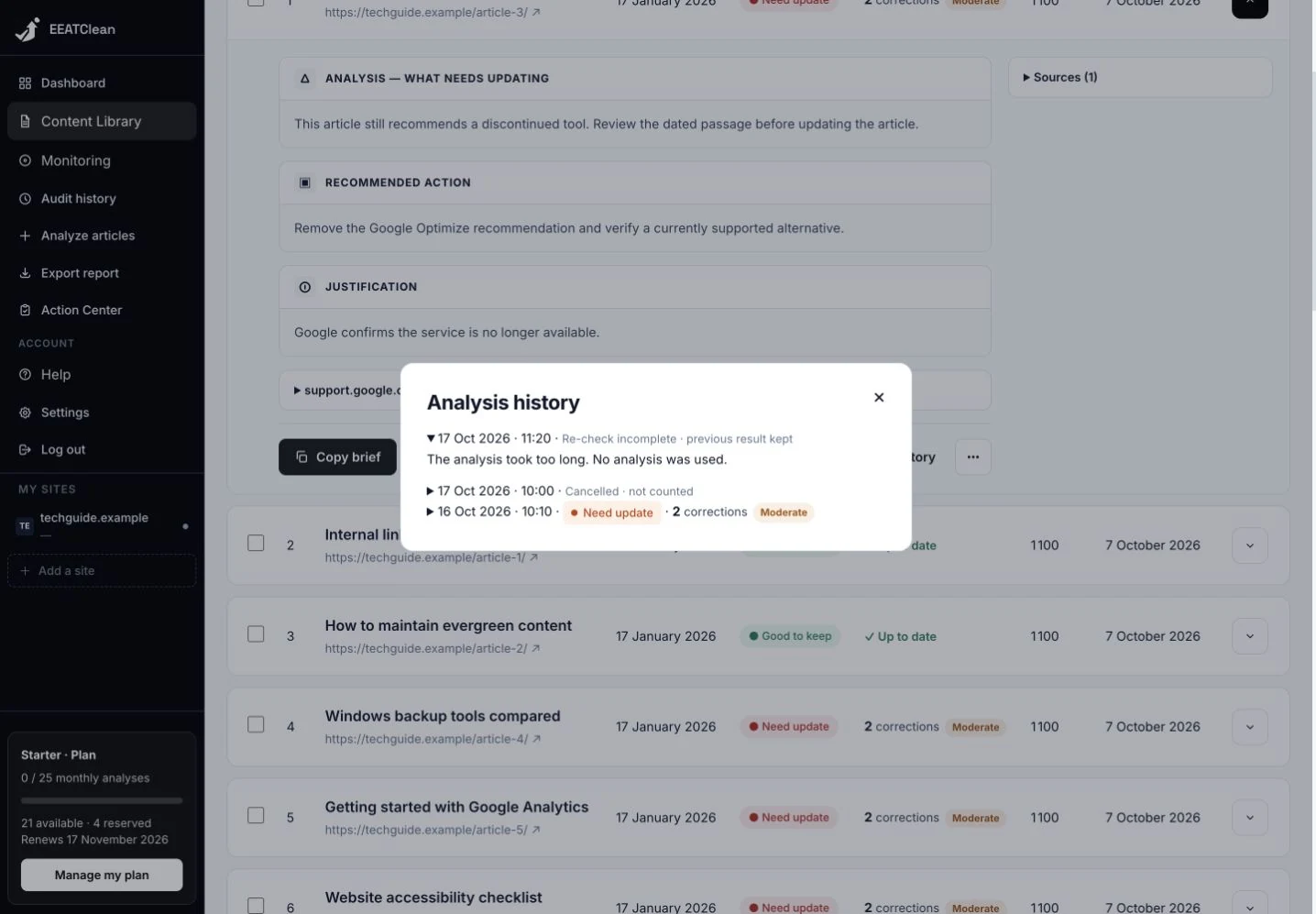
Failed analyses show an understandable cause instead of an empty dash. The history indicates when the previous successful report has been retained.
Why it matters
A failed recheck no longer looks like an empty result. You can see what happened and what was retained.
In your workflow
Open an article report and choose History. Read the result or explanation for each attempt before deciding whether to retry.