 EEATClean
Copy brief
EEATClean now writes the prompt for you. One click turns an article’s analysis into a brief you can paste straight into ChatGPT, already loaded with what is outdated and what to change.
EEATClean tells you which articles are costing you traffic and exactly what is wrong with them. Then comes the part nobody enjoys: turning that verdict into a rewrite.
Most people were doing it by hand: opening the article, copying the analysis, copying the recommendation, copying the justification, pasting all of it into ChatGPT, then explaining what they wanted. Four copy-pastes before any writing starts.
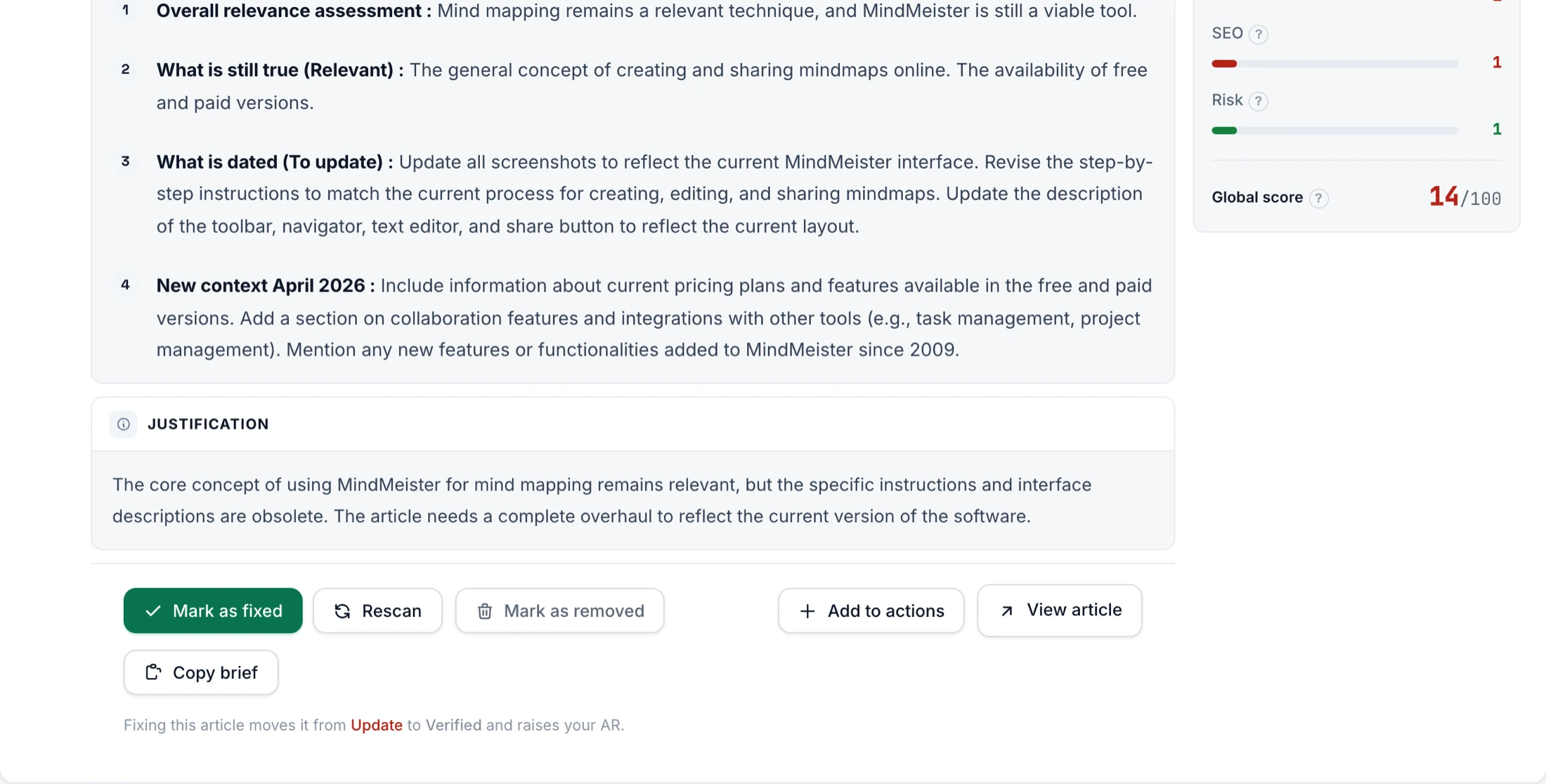
EEATClean now does that work for you. A new Copy brief button sits in the footer of every at-risk article. One click, and the whole analysis becomes a prompt.
What lands in your clipboard
The brief carries the article title, its URL, its publication date, and the three parts of the audit: what is outdated, why the article is worth keeping, and what to change. It ends with two instructions that matter more than they look:
- Write in the language of the article. Your interface language is not necessarily your content’s.
- Invent nothing. If a figure is missing, the model must write [TO VERIFY] rather than fill the gap with something plausible. An audit built on factual accuracy should not hand you a rewrite built on guesswork.
And if the AI cannot open your URL, which happens often since many sites block AI crawlers, the brief tells it to ask you for the text instead of writing from thin air.
Articles marked Delete get a different brief
Asking an AI to rewrite an article we just told you to remove would make no sense. On those, the brief asks it to help you decide the right move instead: delete, redirect, or merge into a stronger article.
Where the idea came from
A user asked for it, in almost exactly these words: generate a brief for ChatGPT with the article URL and the recommendations, and a button to copy it. It shipped as asked.
Open any article marked Update or Delete, and look for Copy brief next to View article.
See it on your own site
Run a free audit and get a clear keep / update / remove decision for every article.
Start free audit →