
What changed
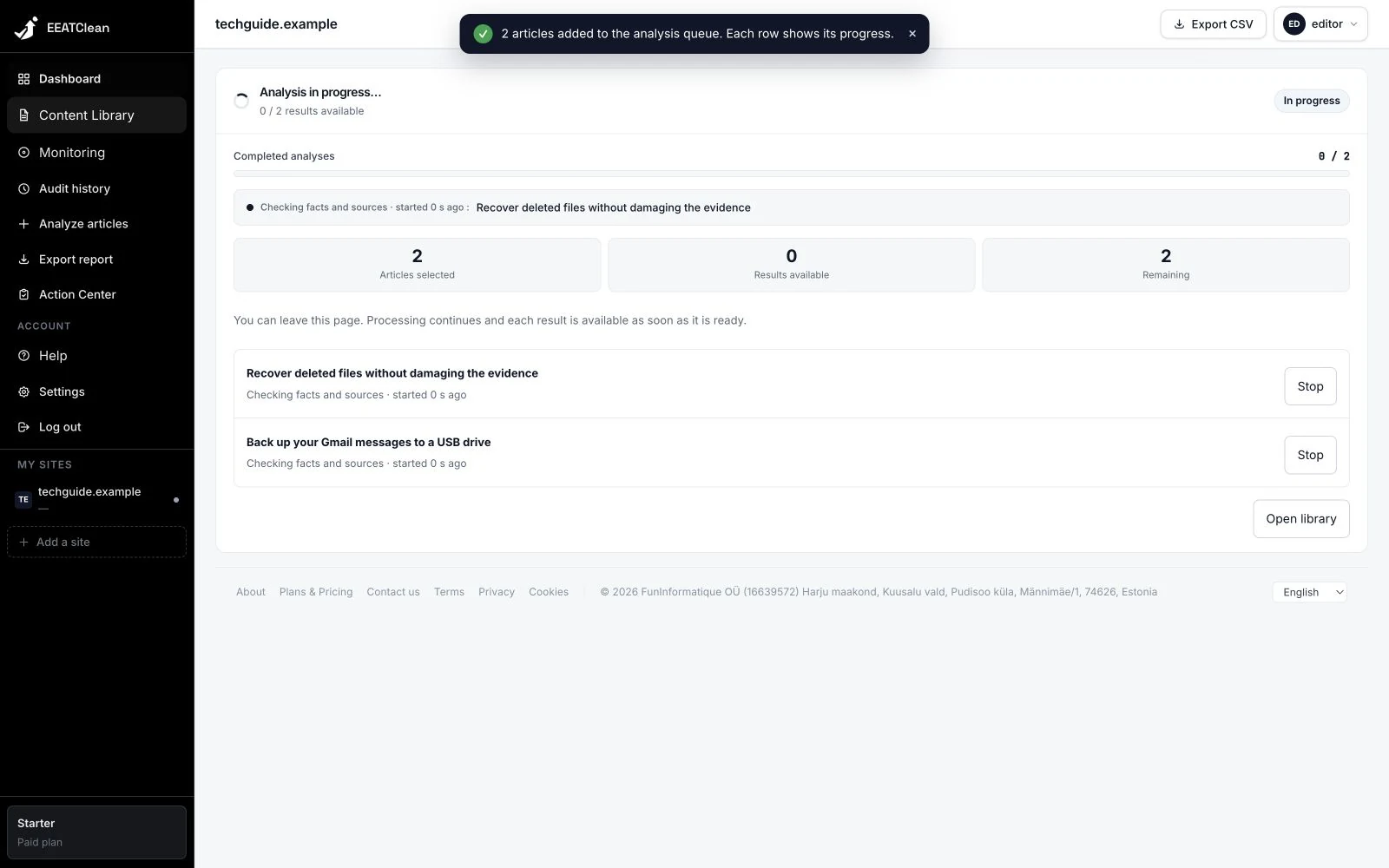
Queued and running articles show their state and elapsed time in the library and progress view. Starting an analysis produces visible feedback, and failures use clearer explanations.
Why it matters
You can distinguish an article waiting to start from one that is running or has failed.
In your workflow
After starting a request, open its progress view. Completed results can be read as they become available.