
What changed
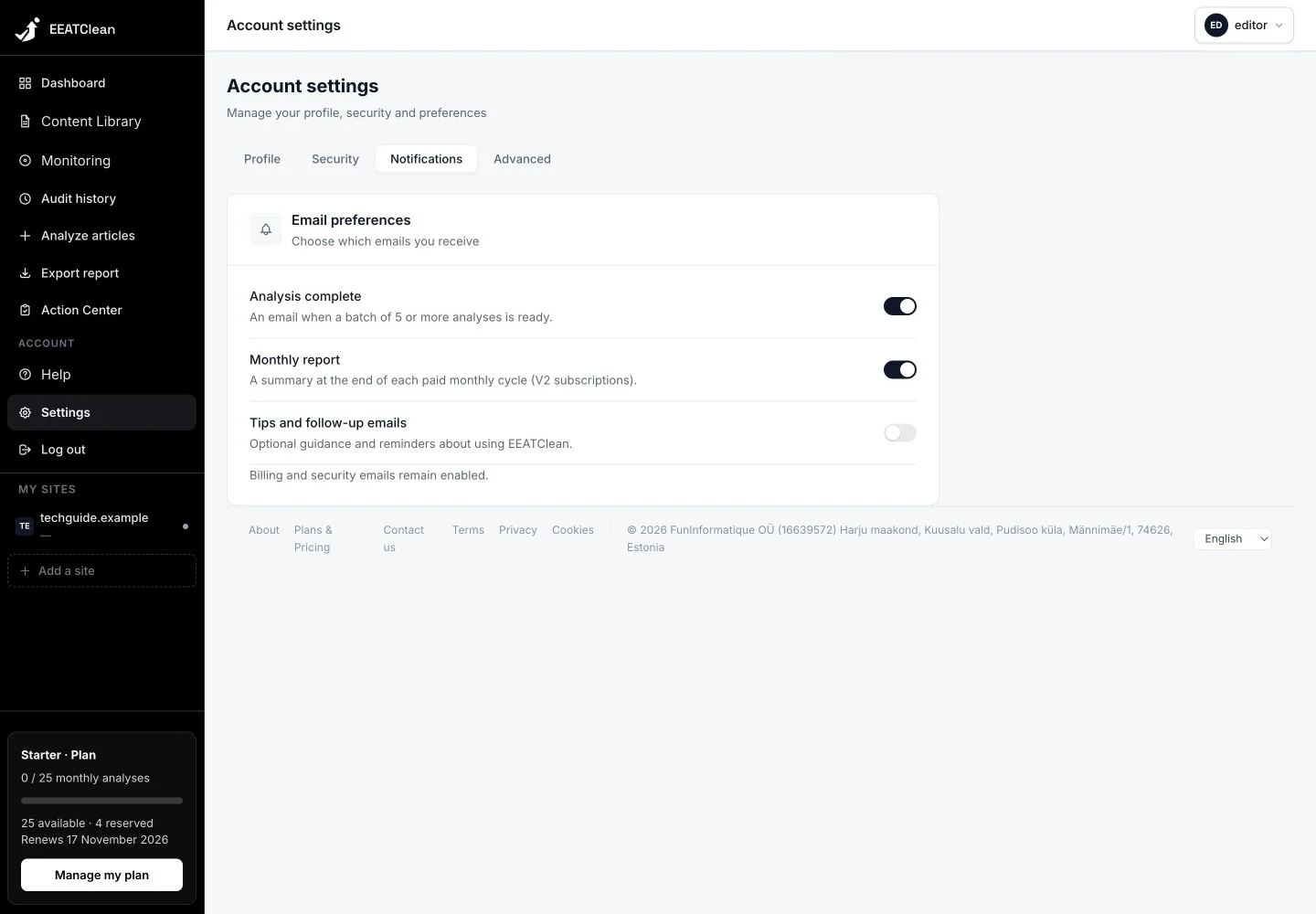
For requests of at least five articles, the completion email summarises results and priority articles, with a link back to the relevant library view. This allows you to leave the progress page while work continues.
Why it matters
You do not need to stay on the progress screen to learn that a larger request has finished.
In your workflow
For larger analysis requests, completion messages follow your saved notification preferences. Those preferences are available in Settings.