
What changed
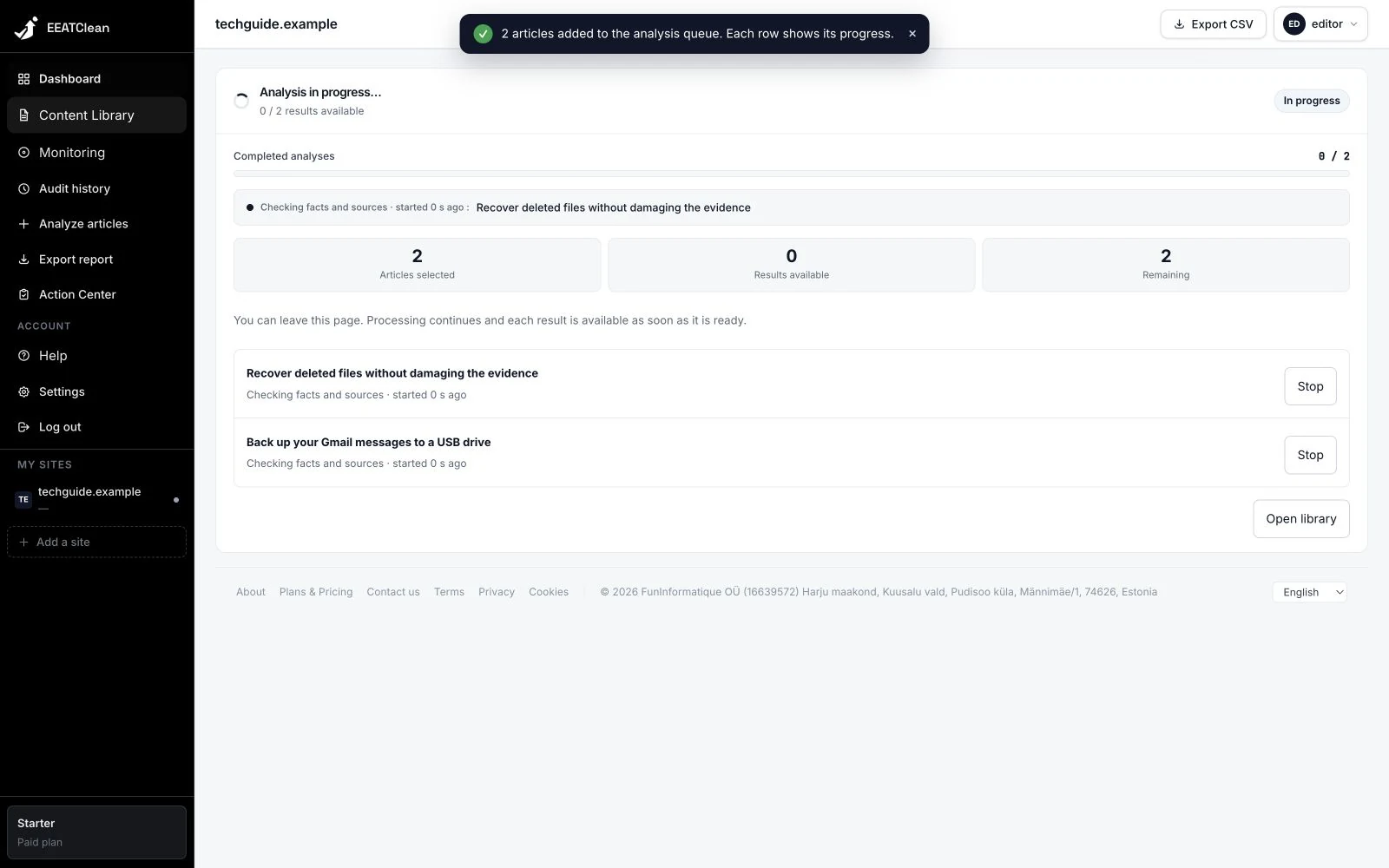
An article can be stopped while queued or running. The option to cancel queued work only appears when there is work waiting, avoiding a button that seems to do nothing.
Why it matters
Controls let you act on an individual item rather than treating the whole request as one block.
In your workflow
After starting a request, open its progress view. Completed results can be read as they become available.